


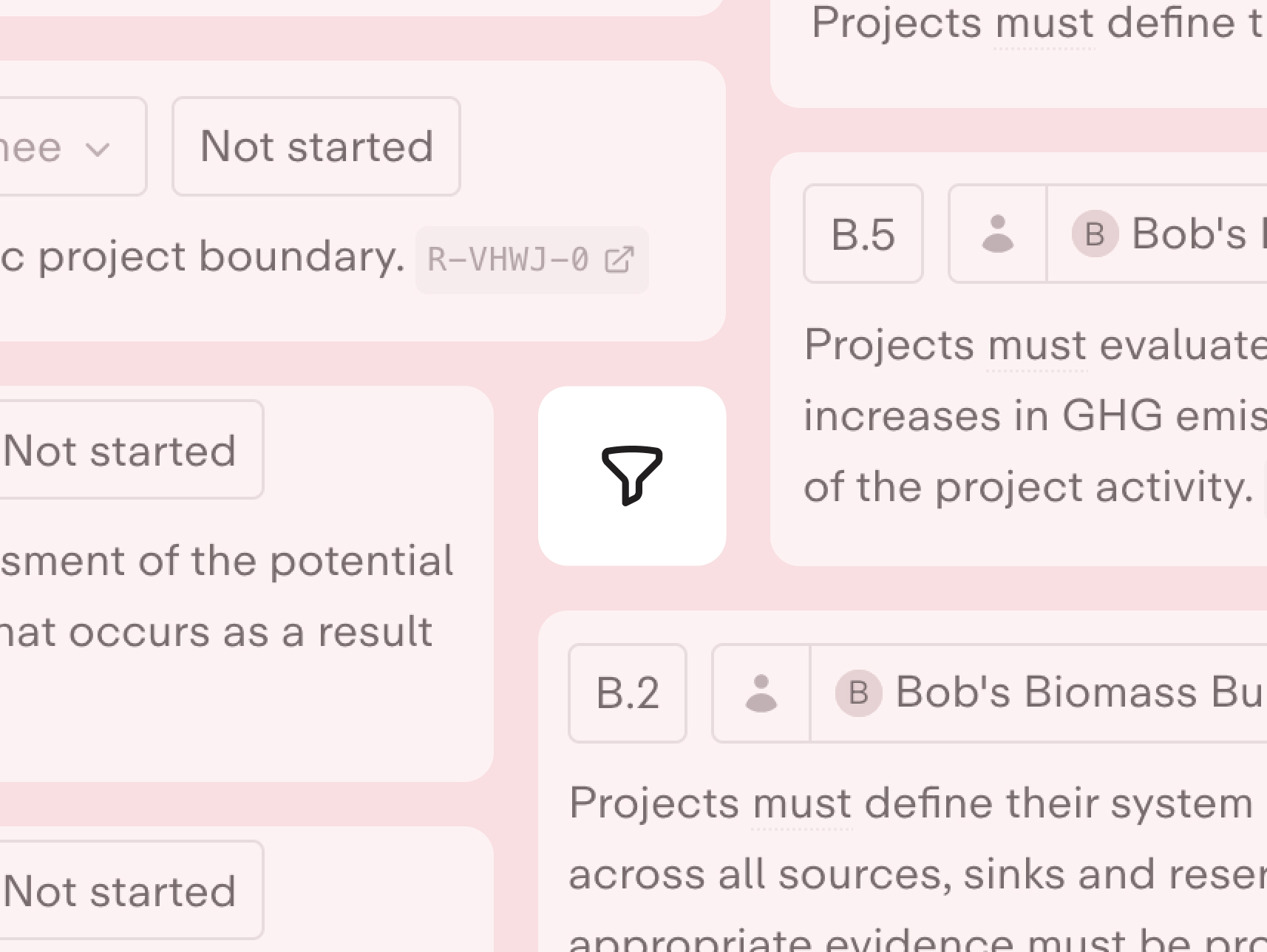
Suppliers and verifiers can now filter requirements across all requirement views in Certify. The filter is synced with the requirement modal, so it remains accessible as you navigate between views. When an issue is updated and no longer matches the current filter, the modal automatically advances to the next available issue. Additionally, the confirmation dialog when resubmitting a requirement for review can now be dismissed, and the issue sidebar within the requirement modal can be hidden by pressing the speech bubble icon to allow more space to work.
